usage
geometor.explorer provides a browser-based interactive workspace for creating, inspecting, animating, and exporting symbolic geometor.model constructions.
Guides
getting started
To start the explorer web application server, run the following command in your terminal within your activated virtual environment:
installation
PyPI releases for geometor-explorer may be out of date. We recommend installing geometor.explorer locally alongside its sibling packages geometor.model and geometor.divine using uv.
canvas
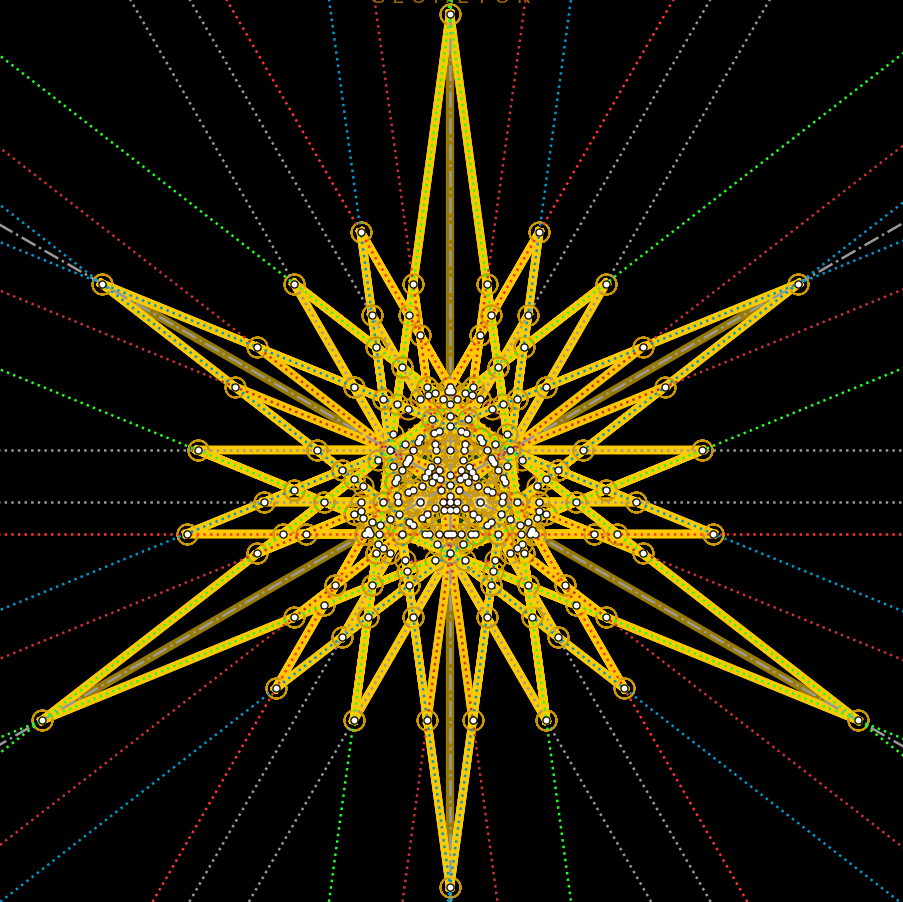
The central drawing canvas renders the active geometric model as an interactive scalable vector graphic (SVG).
controls
The interface features a left sidebar for construction tools and global options, and a right sidebar for inspecting model history and analytical groupings.
cli panel
The integrated Command-Line Interface (CLI) provides a keyboard-driven environment for rapid scriptable geometric construction.
divine analysis
geometor.explorer integrates directly with geometor.divine to provide real-time harmonic and golden section analysis as constructions are built.
animation timeline
The interactive timeline panel visualizes geometric constructions as step-by-step sequential animations.
exporting
geometor.explorer offers customizable export workflows for high-resolution print output, presentations, web embedding, and self-playing vector animations.
keyboard shortcuts
Quick reference table of all keyboard shortcuts available in geometor.explorer: