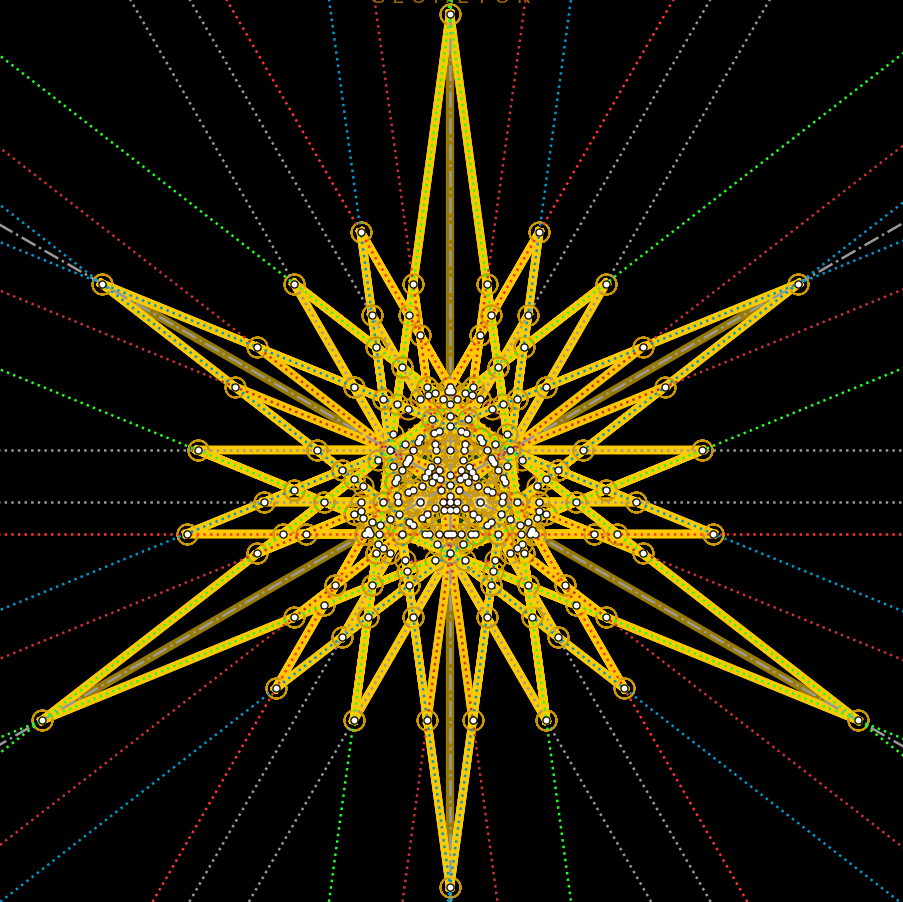
animation timeline
The interactive timeline panel visualizes geometric constructions as step-by-step sequential animations.
Timeline Bar Controls
Click the movie icon (movie) in the left toolbar to toggle the bottom animation timeline bar:
Play / Pause: Start or pause real-time sequence playback.
Scrubbable Slider: Drag the timeline handle to jump to any point step in the construction history.
Start (Skip Previous): Jump to step 0 (initial given points).
Step Backward (Fast Rewind): Step back one construction step.
Step Forward (Fast Forward): Advance forward one construction step.
End (Skip Next): Advance directly to the final state of the model.
Keyboard Controls
When the canvas is active, use the left and right arrow keys to step backward and forward through the construction sequence.