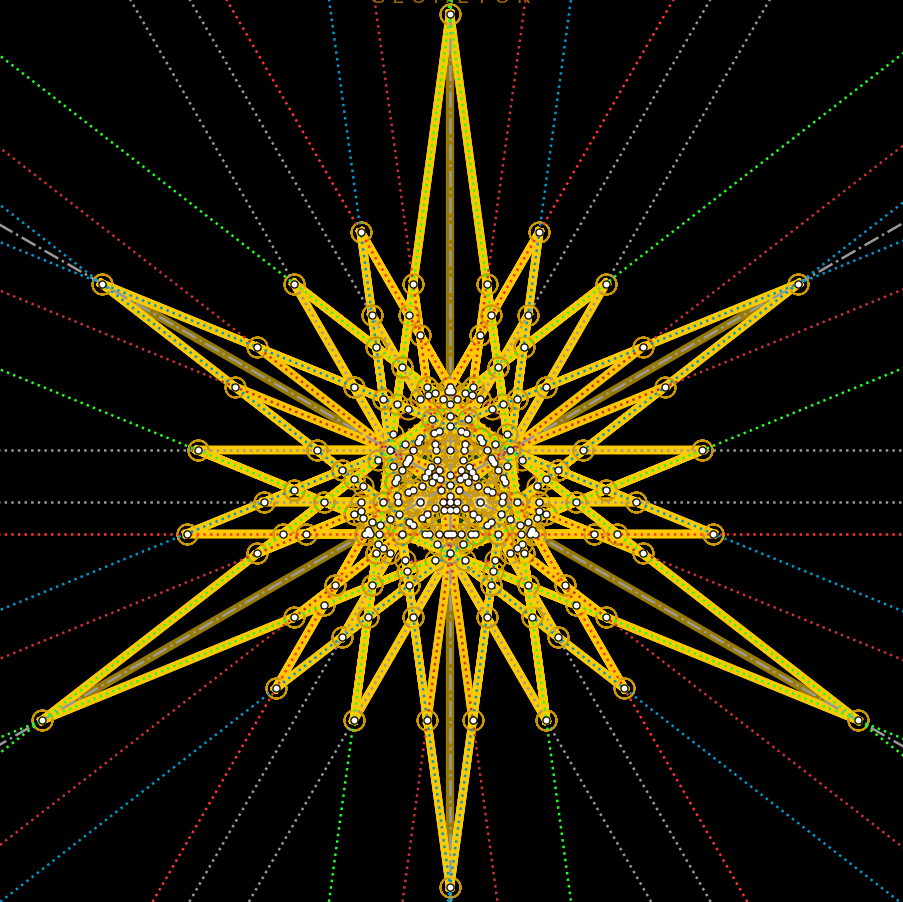
divine analysis
geometor.explorer integrates directly with geometor.divine to provide real-time harmonic and golden section analysis as constructions are built.
Toggling Analysis
Click the Star button (star) in the left sidebar or execute the analysis toggle API to enable or disable automatic analysis hooks.
When enabled, any new line, circle, segment, or intersection added to the model is automatically checked for golden ratio sectioning \(\phi = \frac{1 + \sqrt{5}}{2}\).
Analytical Groupings (GRP View)
The GRP tab in the right sidebar organizes identified golden sections into interactive tables:
Group by Size
Golden sections are grouped according to their exact length ratio.
Sorting controls allow ordering ratios by numerical magnitude.
Clicking any ratio highlights all matching golden sections on the canvas.
Group by Chain
Golden sections that form continuous connected sequences across collinear segments are identified as Chains.
Each chain listing displays the total section count and connected element IDs.
Group by Point
Groups golden sections based on shared point vertices.
Highlights all proportional relationships intersecting at a selected point.